
What is WebotX?
Understand your website assistant, where its answers come from, and how you stay in control.
Screenshots use fictional Example.com workspaces and sample content. Your content and plan may differ.Your website, turned into an assistant
WebotX is an AI chat assistant for your website. It captures public website content, helps you review that knowledge, and uses approved information to answer visitor questions through a chat widget.
Use it to explain products and services, help visitors find policies, or guide them to relevant pages. Your team can review conversations and reply when someone needs a person.
 View full size
How the pieces fit together
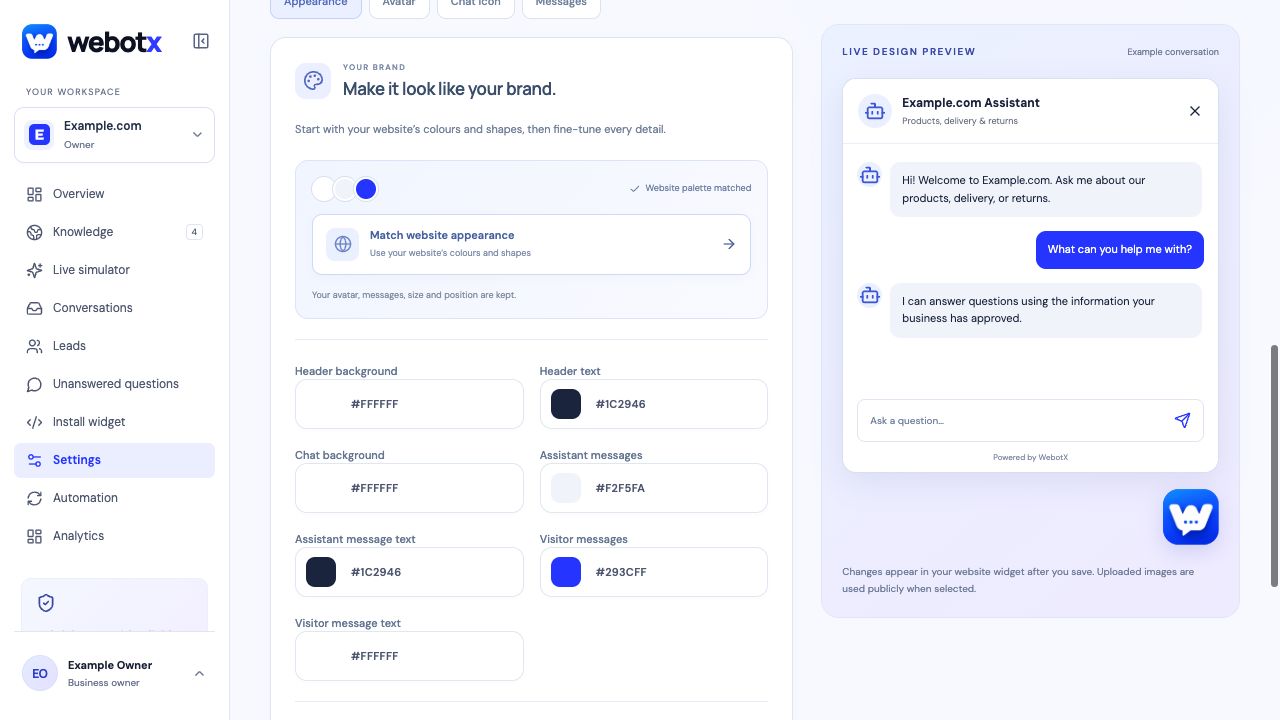
Each workspace contains one website and its assistant. The dashboard brings together its knowledge, simulator, widget settings, conversations, and leads.
- Add your website and capture its public pages.
- Review and approve the business overview and page knowledge.
- Test questions in the Live simulator and customize the chatbox.
- Publish the assistant, allow your website origin, and install the widget.
- Review conversations and fill knowledge gaps over time.
You approve what visitors can hear
Captured content starts as a draft. It does not become customer-facing knowledge until you approve it. Editing an approved summary keeps the previous approved snapshot available until you approve the new version.
The assistant can hand a conversation to your team when approved evidence is missing or a visitor asks for a person. Review real questions and source links regularly; AI answers still need testing against your business facts.
Try it before creating an account
Enter a public website URL on the homepage. The demo discovers eligible pages, captures up to four, and provides up to ten AI replies without signup. The landing-page image is a static preview; the chat bubble is interactive.
The demo is a limited preview, not an installed assistant. Create an account to manage knowledge, customize your assistant, and publish the widget.