
A helpful assistant.
A clear way to get started.
Learn how WebotX works, choose what your assistant knows, and bring it to your website.
Set up your first assistant1Add your website
2Approve your knowledge
3Test your answers
4Install your widget
Explore the guides
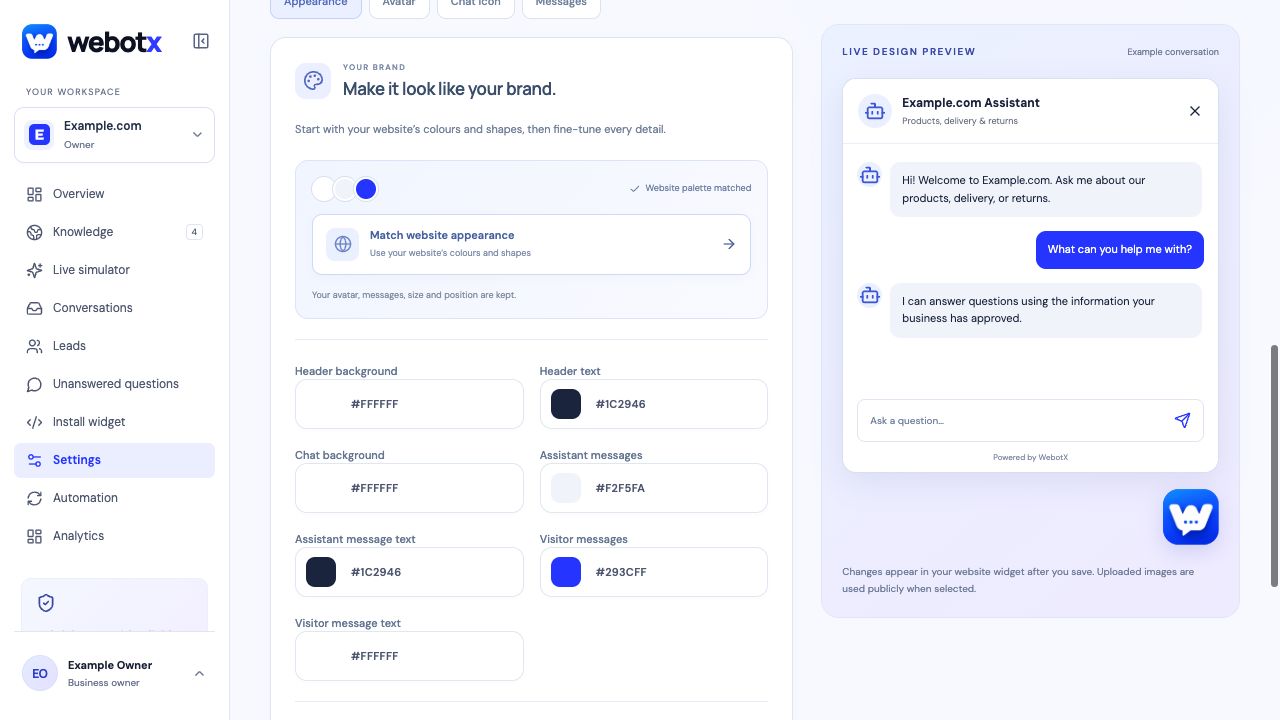 GUIDE 01
What is WebotX?
Understand your website assistant, where its answers come from, and how you stay in control.
Read guide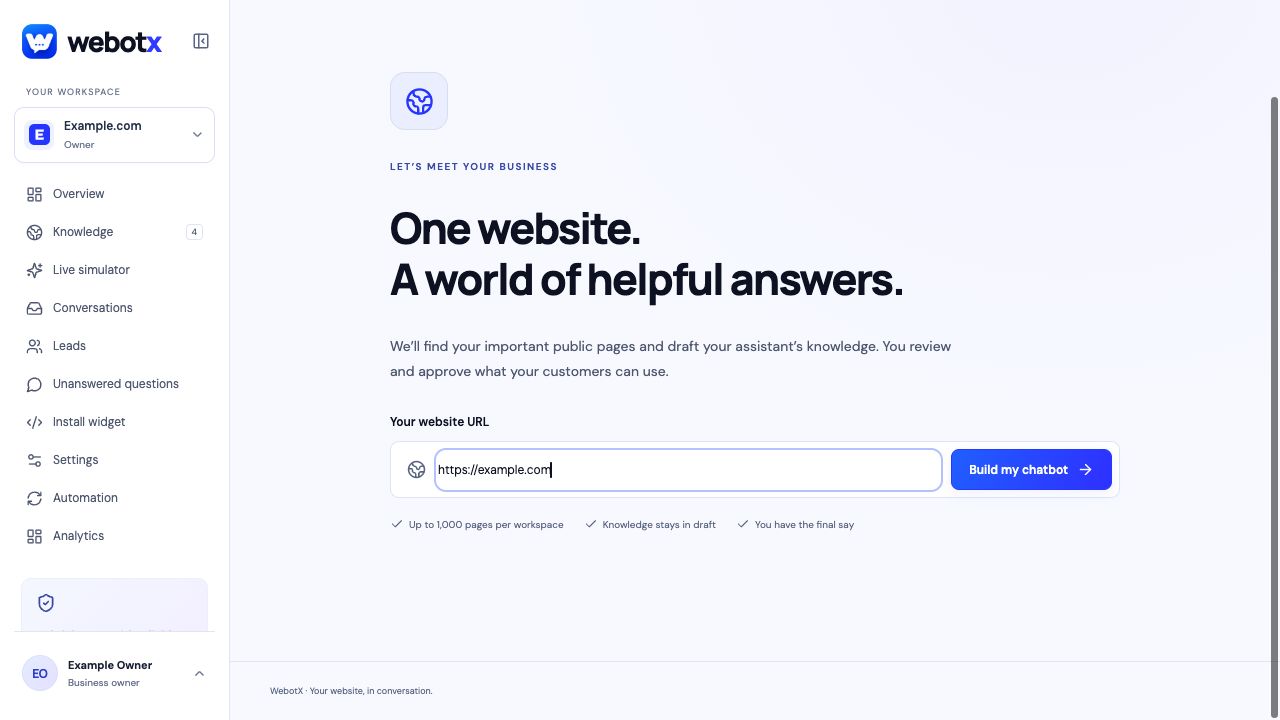 GUIDE 02
Getting started
Go from your first website preview to an assistant ready to publish.
Read guide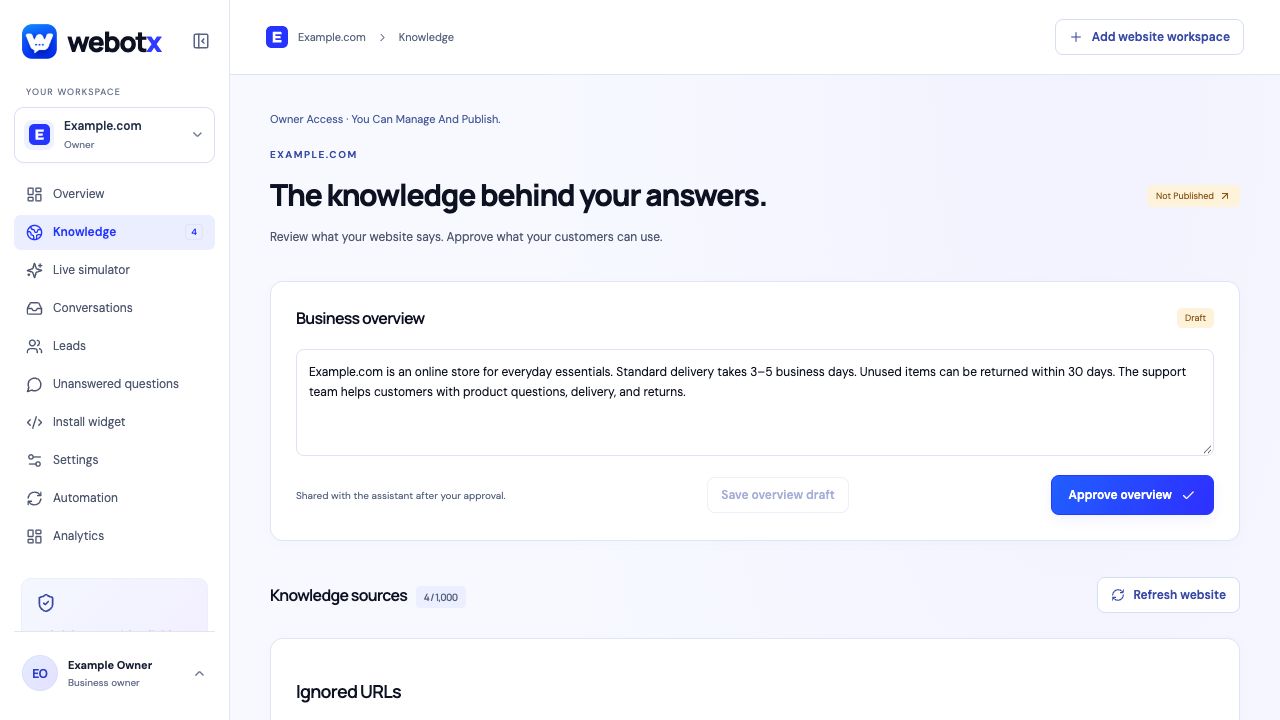 GUIDE 03
Manage your knowledge
Capture, review, approve, and maintain the information behind your assistant's answers.
Read guide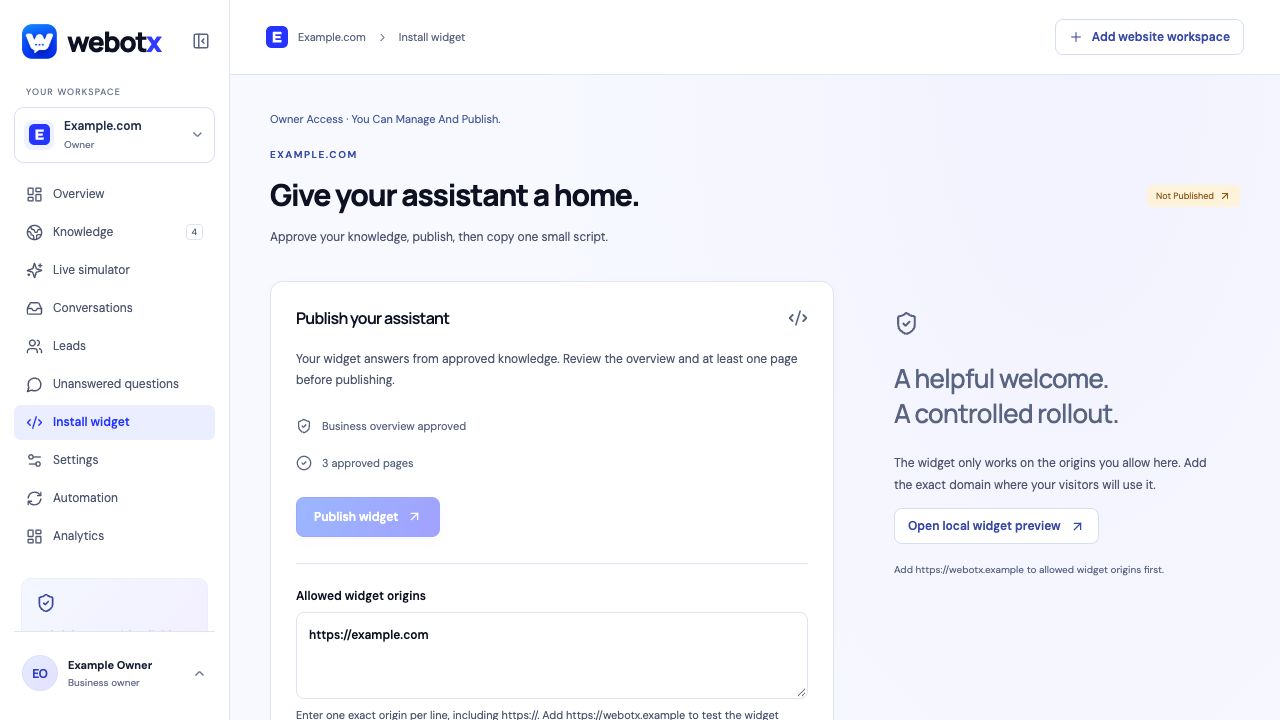 GUIDE 04
Install your widget
Publish your assistant, configure allowed origins, and add the website script.
Read guide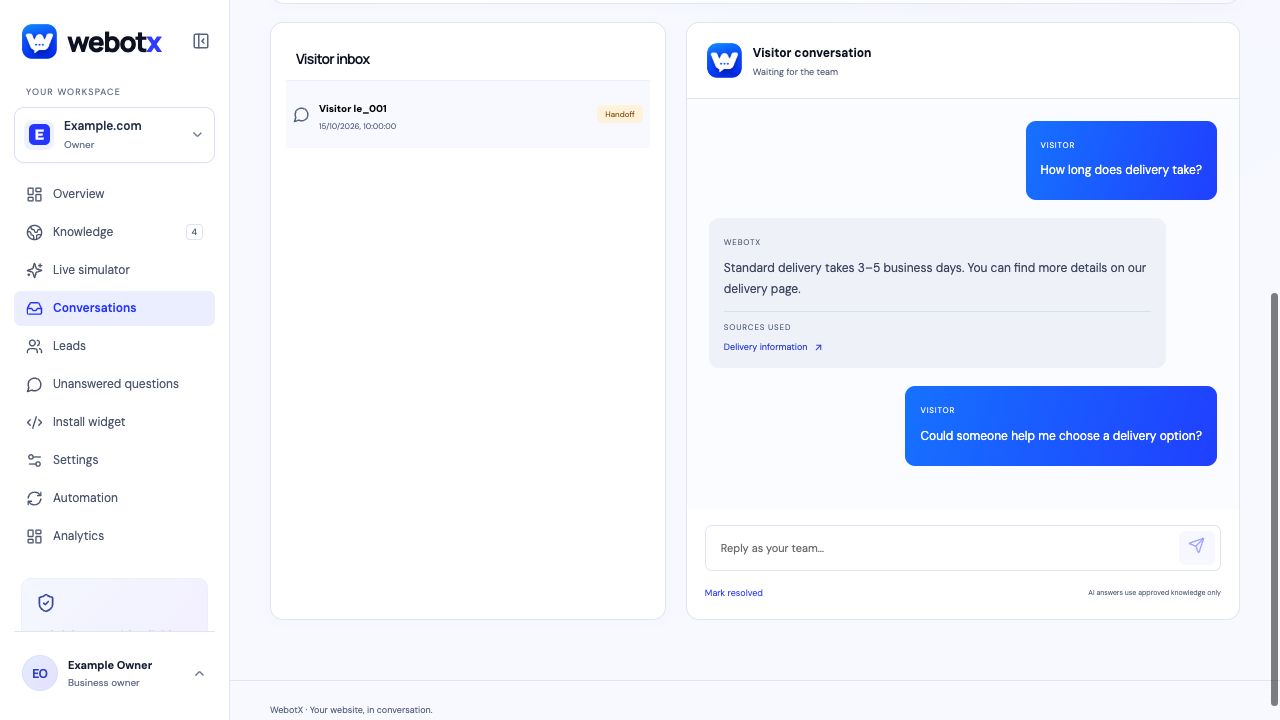 GUIDE 05
Conversations and leads
Review visitor questions, handle human handoff, and follow up on enquiries.
Read guide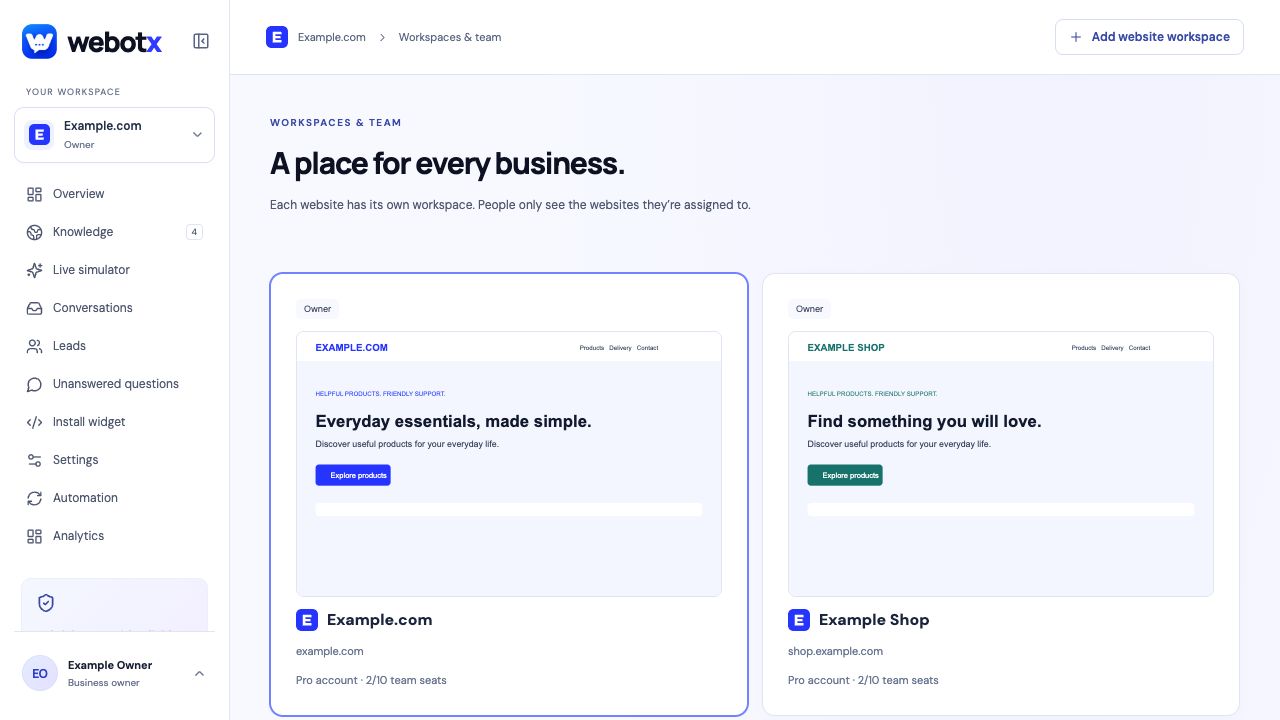 GUIDE 06
Workspaces and teams
Understand website workspaces, assigned roles, and shared account allowances.
Read guideGUIDE 07Troubleshooting
Find the next step when a website preview, answer, or widget does not work as expected.
Read guide